Why isn’t my business showing up in ChatGPT?
Usually because ChatGPT has nowhere to learn about your business. Either its crawlers can’t read your website, or your business is missing from the sources the model relies on when it answers questions about your industry.
This happens more often than you might think. In one of our tests, a travel agency did not appear in a single answer, not in ChatGPT, Perplexity, Copilot or Google AI Overviews, while its competitors were recommended again and again. The good news: every cause below can be checked, and most of them can be fixed. For each one, you will find how to tell whether it affects your business and what to do about it.
The 5 most common reasons
- You’re not mentioned on the pages AI cites. ChatGPT recommends businesses that appear in roundups, industry sites and forums. If you’re not there, you’re not in the answer either.
- Your website blocks AI crawlers. Settings in your site, hosting or CDN can stop ChatGPT from reading your pages.
- Your business or website is new. The model doesn’t know you from its training data, and there is little about you online yet.
- Competitors dominate the cited sources. AI names only a handful of businesses, and those slots go to competitors who are present where the model looks.
- Your content doesn’t answer customer questions. People ask AI differently than they search Google, and your website doesn’t answer the questions they ask.
1. You’re not mentioned on the pages AI cites
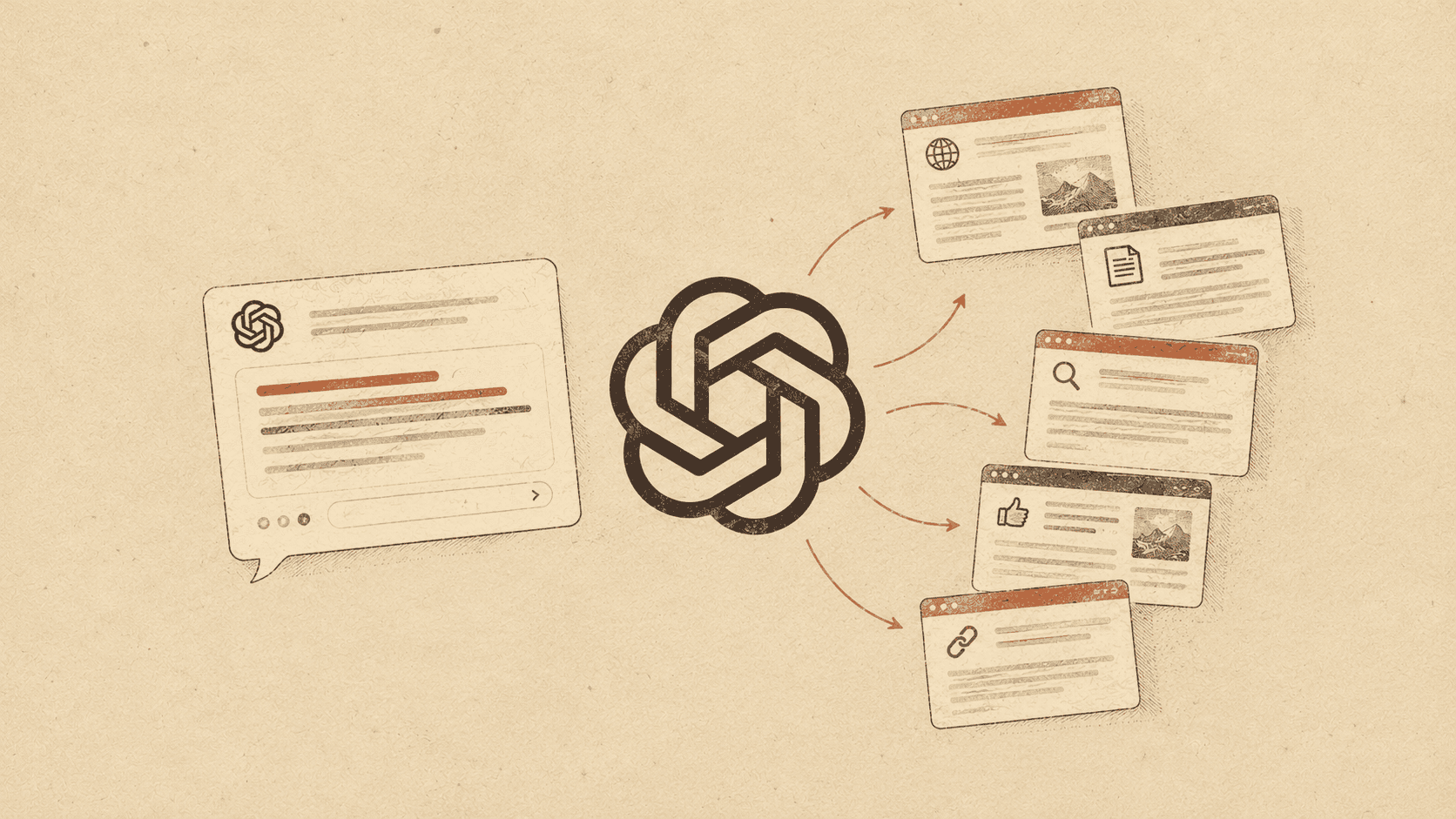
When ChatGPT searches the web, it doesn’t pick businesses on its own. It builds the answer from a few sources: roundups, industry publications, forums, comparison sites and company websites, including your competitors’. If your business isn’t in those sources, the model has nowhere to find it. A good website on its own is not enough.
Checking this by hand doesn’t scale: you would have to ask the same questions every day, save the sources and compare them across answers. Heuriso collects the sources for every prompt daily and shows how often each page gets cited, so you can see which sources actually shape the answers in your industry.
How to fix it
Start by listing the most frequently cited pages and filtering out the ones where you can’t realistically get a mention, such as competitors’ websites or large publications that don’t accept submissions. For the rest, match your approach to the type of page:
- Roundups and “best of” lists: email the author and suggest an update or the addition of your business. Some lists are paid placements, so ask about that up front.
- Industry publications: offer an expert comment, a guest article or data you can share.
- Forums and communities: answer questions in your field with real expertise, without pushy self-promotion.
- Directories and comparison sites: complete or create your business profile with up-to-date details.
In Heuriso, the action plan does this work for you: it lists the specific URLs where a mention is worth earning, the steps for each page and the condition that marks the task as done, for example your brand name appearing on the page.
2. Your website blocks AI crawlers
For ChatGPT to show your website as a source, its crawler needs access to it. The one that matters most is OAI-SearchBot: if it’s blocked, your site won’t appear in ChatGPT search answers. GPTBot is a separate crawler that collects content for training models. Blocks often happen by accident, through a robots.txt rule, a security plugin or Cloudflare settings.
How to fix it
-
Open
yourdomain.com/robots.txtand check the rules for OAI-SearchBot, GPTBot andUser-agent: *. -
Allow the search crawlers. If you don’t want your content used for training, block only GPTBot:
User-agent: OAI-SearchBot Allow: / User-agent: GPTBot Disallow: / -
Check the AI bot settings in Cloudflare or your CDN, and in any security plugins.
-
Give it a day. OpenAI says robots.txt changes are picked up within about 24 hours.
3. Your business or website is new
A new business or website has a harder start in AI for three reasons at once. First, the model doesn’t know it from training: the data it learned from was collected before the business existed, so when it answers without searching, it simply doesn’t know about you. Second, a new site is poorly indexed in the search engines AI answers rely on, so even when the model searches the web, it may not find you. Third, there is little information about the business online: few mentions, reviews or directory listings.
The age of your domain isn’t the problem. The problem is that a new business hasn’t yet left the traces online that AI could use.
How to fix it
You can’t influence the training data; you will only make it in with future model versions. What you can speed up is what AI finds when it searches:
- Get indexed. Add your site to Google Search Console and Bing Webmaster Tools and submit your sitemap. Google AI Overviews relies on Google’s index, and Microsoft Copilot on Bing’s.
- Set up profiles in the obvious places. A Google Business Profile, industry directories, comparison sites and review platforms are often the first places AI looks for information about local businesses.
- Keep your details consistent. Your name, address, phone number and list of services should look the same everywhere. Inconsistencies make it harder for models to connect the information to one business.
- Earn your first mentions. Start with the sources described in reason 1. For a new business, every mention in a cited source carries extra weight.
4. Competitors dominate the cited sources
An AI answer usually names three to five businesses. If your competitors appear in the same roundups, comparison sites and forum threads that the model cites, they take those slots, even if your offer is just as good. This is not a judgment of quality. The model repeats what its sources say, and it says more about the businesses those sources mention more often.
You can recognize this situation when your brand does appear, but rarely, low in the list or only for narrow questions, while the same two or three competitors show up in almost every answer.
How to fix it
- Find the sources your competitors share. Pages that cite several competitors but not you are the most valuable targets: the author already writes about your category.
- Give the sources a reason to mention you. A specific difference (price, specialization, service area, guarantee) is easier to include in a roundup than a general “we’re also good”.
- Track competitors with the same rules as your brand. Heuriso measures competitors in the same answers and shows who is recommended instead of you, for which questions and in which engines.
5. Your content doesn’t answer customer questions
On Google, a customer types a few words, for example “travel agency Denver”. In ChatGPT, they ask a full question: “Which travel agency in Denver is good at organizing corporate retreats?” Before answering, the model often splits a question like that into several separate web searches. This is called query fan-out. One question can turn into searches such as:
- “denver travel agency corporate retreats”
- “corporate retreat planners reviews”
- “how much does a corporate retreat cost”
For each of them, the model looks for pages it can build the answer from. If your website says something general like “we organize trips and tours” and doesn’t answer any of those searches, with no pricing, no reviews and no description of corporate trips, the model has little reason to use it. Even a page that ranks well in Google may not make it into AI answers.
How to fix it
- Learn the fan-out queries in your industry. They show what the model actually searches for. Heuriso shows the queries recorded from ChatGPT and Perplexity answers, and the action plan suggests which content to add or update for them.
- Collect real customer questions. Emails, phone calls and sales conversations are the same questions customers ask AI.
- Cover the fan-out topics. If the model searches for pricing, reviews and types of service, your website should have information on each of them, in separate sections or on separate pages.
- Answer directly and early. The first sentences of a section should give a specific answer, followed by the details.
- Be specific. Prices or price ranges, service area, turnaround time, who the service is for. Models skip vague claims and readily cite concrete facts.
- Add an FAQ section with the questions you actually hear from customers.
How long until you see results?
Visibility in ChatGPT doesn’t appear overnight. Technical fixes work fastest: unblocking crawlers takes effect after about a day, although it can take longer before your site starts showing up as a source. Mentions on other websites, new content and building a presence for a new business take weeks and months, not days. The models first have to come across the new information, and it then has to prove useful for specific questions.
Don’t judge the results by a single question either. AI answers change from one query to the next, so a single test can show both a false success and a false failure. It’s better to check the same set of questions regularly and look at the trend: does your brand appear more often, higher up and in more sources? That is what monitoring in Heuriso is for. Instead of guessing, you see which actions actually translate into your business showing up in AI answers.
Want to know whether AI recommends your company? Heuriso measures it daily across five engines.
Try it for 7 days