ChatGPT Ads: How to Get Started with Advertising in ChatGPT
How to advertise in ChatGPT step by step: creating a ChatGPT Ads campaign, choosing an objective, context hints, budgets and billing, from a real test account.

Advertising in ChatGPT: an introduction
In 2026 OpenAI opened self-serve access to ChatGPT Ads, meaning ads shown inside ChatGPT. Businesses can now create campaigns on their own in the Ads Manager. In Europe, OpenAI launched self-serve access on August 31, 2026, and the list of supported countries keeps growing; check where Ads Manager is available before you plan a campaign.
Ads let you promote products and services alongside users’ conversations with AI. Your offer can appear when someone is looking for a specific solution, comparing products or planning a purchase. For advertisers, it’s a way to reach people while they gather the information they need to decide.
Buying ads doesn’t give you any influence over the recommendations ChatGPT generates. Under OpenAI’s policies, paid placements are kept separate from the model’s answers. When you assess your brand’s presence in ChatGPT, look at ads and at mentions in the answers separately.
This guide shows what an ad looks like, how to create a campaign in Ads Manager and how billing works. We set up the test campaign described here on a European account billed in euros, so currency-specific amounts below are in euros; your account may use a different currency and different minimums.
How ads are shown in ChatGPT
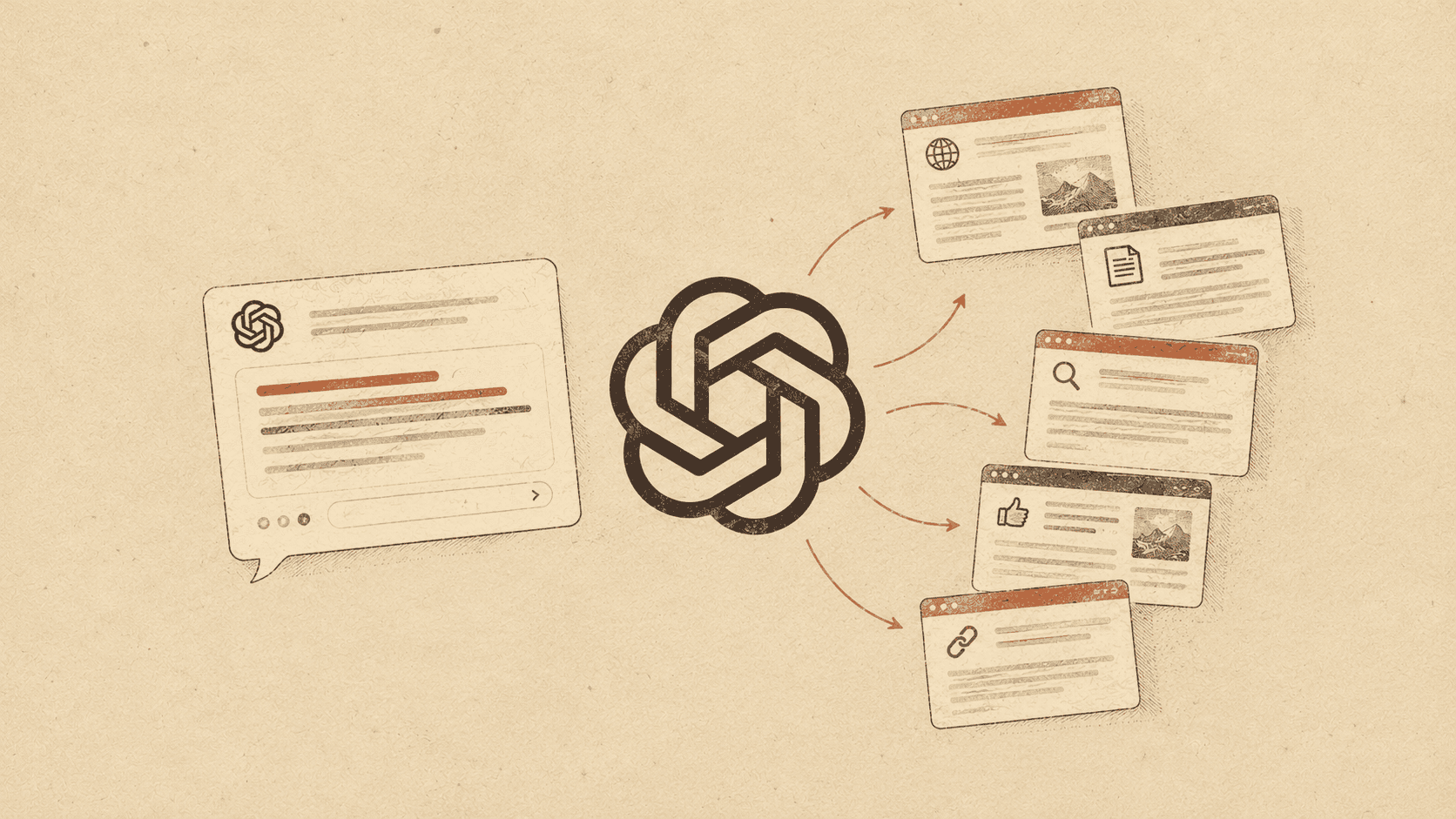
An ad can appear below a ChatGPT answer, as a separate card labeled as an ad. It includes the advertiser’s name and logo, an image, a headline, a short description and a link to a landing page. The format is described in the ChatGPT Ads documentation.
What decides which ad is shown
The system takes into account the context and intent of the current conversation, the ad copy, the landing page, and the hints and settings provided by the advertiser. If several ads qualify, their relevance and the advertisers’ bids matter too. Typing a specific question doesn’t guarantee that an ad will appear. OpenAI explains the matching rules in its overview of how ads in ChatGPT work.
In the European Economic Area and Switzerland, ad personalization isn’t available as of October 2026, so don’t assume ads there draw on users’ earlier conversations or memory. The context of the current conversation can still be used to match an ad. Advertisers don’t get access to users’ private conversations. These limits are covered in OpenAI’s FAQ; check it for the rules in your own market.
Example: a question about espresso machines, an ad for coffee beans
While testing prompts about espresso machines, we were shown an ad for whole coffee beans. The conversation was about choosing a machine, and the ad offered a product to use with it.
So when planning a campaign, consider conversations about products that complement your offer, too. For a coffee roaster, that could be questions about espresso machines. We don’t know the settings of that campaign or exactly why that ad was chosen.
Who can see ads
Ads can be shown to users on the Free and Go plans. The Plus, Pro, Business, Enterprise and Edu plans stay ad-free. OpenAI also doesn’t show ads to accounts identified as belonging to people under 18. These rules are listed in the ChatGPT ads FAQ.
So if you look for your own ad from a Plus account, not seeing it is expected. Check your campaign’s delivery status in Ads Manager.
Campaign structure and setup
In ChatGPT Ads, a campaign contains ad groups, and each ad group contains individual ads. At the campaign level you set a shared objective, where the ads run and the budget.
Step 1: create a campaign
-
Campaign type. In our example we chose the standard type, with ads that send people to an offer page.
-
Objective. This is the result the campaign should drive. There are three objectives: Reach, Clicks and Conversions. Reach is about getting your ad seen, Clicks about getting visits to your website, and Conversions about optimizing for a chosen action, such as a purchase. With Clicks, you pay for valid clicks (CPC). Your choice affects how the campaign is optimized and charged; see how to create a campaign.
-
Conversion event (optional). This is the action you want to measure, such as a purchase or a sign-up. With the Clicks objective the field is optional and leads to the conversion tracking settings. If you choose the Conversions objective, you need working tracking and a supported standard event for the system to optimize toward. Choosing that objective doesn’t mean you only pay for conversions, as the documentation on conversion-optimized campaigns explains.
-
Locations. Choose the areas where you serve customers.
-
Excluded locations. An exclusion takes priority, even if the area falls within a broader location you selected.
-
Eligible platforms. “All platforms” covers the apps and mobile web on Android and iOS, plus desktop web, according to the list of platforms in the documentation.
-
Landing page query parameters. Optional tags added to the URL after someone clicks your ad, useful for analytics. You can use, for example,
utm_source=chatgptandutm_medium=cpc. Ads Manager also supports ID templates such asutm_campaign={campaign_id}andutm_content={ad_id}. For the same parameter, the order of precedence is: the value in the destination URL, then the ad, ad group and campaign settings. -
Custom audiences. Adding and excluding audiences wasn’t available for our campaign, because ad personalization isn’t yet supported in the EEA and Switzerland.
-
Budget type. Choose a daily budget or a lifetime budget for the campaign. A daily budget means your average spend over the budget week; a lifetime budget caps total spend for the campaign period. On our euro account, the minimum lifetime budget was €65 for the whole campaign.
-
Budget amount and currency. We entered €15 a day, the minimum for euro billing in OpenAI’s table; the table lists a minimum for each supported currency. Ads Manager also showed the limits: up to €30 on a single day and €105 over a full budget week, if the amount isn’t changed. The week runs from Sunday to Saturday in your account’s time zone. When you change the budget, the limits are recalculated under the rules for daily budgets.
-
Start date. Set the start date and time, keeping your account’s time zone in mind.
-
End date. An optional end to delivery, such as the last day of a promotion.
-
Text customization. According to the message in Ads Manager, AI can create customized and translated versions of your headlines and descriptions and show them without you reviewing and approving each one. If you want to approve every piece of copy before it runs, turn this option off.
Step 2: create an ad group
You can prepare several ads in one group, such as different versions of a message about the same service. This is where you set your bid and context hints.
-
Max CPM bid. The highest amount you’re willing to pay per 1,000 impressions. Both your bid and your ad’s relevance matter in the auction; you can check the actual average CPM in your results. With the Clicks objective you set a max CPC bid instead, per individual click. The ChatGPT Ads basics explain how objectives and bids relate.
-
Custom audiences notice. The EEA and Switzerland limitation mentioned earlier doesn’t stop you from using context hints.
-
Landing page query parameters. Optional tags for the ads in this group, such as
utm_content={ad_group_id}. They add missing parameters, but they don’t replace conversion tracking. -
Default ad destination URL. The URL used by default when you create new ads in this group.
-
Context hints (optional). At first glance this field looks like a place for keywords. Its job, however, is to describe the situations in which your offer could help a user.
OpenAI states in its documentation on ad groups that context hints don’t work like exact-match keywords, aren’t targeting rules and don’t guarantee delivery in specific conversations or to specific audiences. A phrase you enter helps the system judge how your offer relates to a conversation; it doesn’t reserve your ad for that phrase.
Take Heuriso as an example. “AI monitoring” on its own is too vague: it could mean monitoring how AI models run, or keeping an eye on the AI tools market. A description of what the service is for gives the system much more to work with:
Tracking brand visibility in ChatGPT for marketing teams who want to check whether their company appears in answers to buying questions and compare its visibility with competitors.
A description like this makes clear what you offer, who you help and what that person wants to find out. One ad group should have a consistent theme or answer one customer need. If your hints start to cover different services that need different messages and landing pages, split them into separate groups.
You can use ChatGPT itself to draft context hints. In a conversation where you’ve already described your company and offer, ask it to write them from that information. For example:
Based on the description of my company and service in this conversation, write three suggested context hints for ChatGPT Ads. Each should cover the same offer and explain in 1–2 sentences who it helps, in what situation and what problem it solves. Don’t write a list of keywords. Don’t add features or promises I haven’t mentioned.
Pick the version that best describes your offer and matches your landing page, fix any inaccuracies and paste it into the context hints field.
Step 3: write the ad and check the preview
Next you fill in the copy and image, and check the preview of the ad card.
-
Destination URL. Send people to a page that matches the offer in your ad, such as the page for a specific service.
-
Landing page query parameters. Optional URL tags that help you identify a specific ad in analytics. For example,
utm_content={ad_id}uses the ad’s ID. According to the hint in the form, missing parameters are added. -
Headline. The limit in our form was 50 characters, but text can be cut off before you reach it: in our test it happened at 37 characters. Put the most important information first.
-
Description. Up to 100 characters in our form. Explain what the offer is for, for example “See whether your brand appears in AI answers”. Specifics like this follow OpenAI’s guidance on ad copy.
-
Ad images. A PNG or JPG file; Ads Manager recommends a square image of at least 256 × 256 px that stays readable when scaled down.
Billing and verification before launch
On our self-serve account, we had to complete a billing profile and add a card before launch. Without complete billing details, a valid payment method and the required account verification, a campaign won’t start delivering. OpenAI lists account verification and billing among the requirements for launching a campaign.
The billing profile includes your company name and address and a required invoice email; you can optionally add people to receive copies of invoices.
Ads Manager announced a temporary $50 authorization hold on the card. It’s used to verify the card and is not a charge for ads. According to the message, your bank may take 8 days or longer to release it.
Ad costs are charged later, on a postpay basis: once your account reaches its assigned payment threshold, with any remaining balance charged at the end of the month. The rules are described in the ChatGPT Ads billing guide.
Are ChatGPT ads worth it?
For now it’s hard to say how profitable ads in ChatGPT will be. It’s still a new channel, and there isn’t enough data to compare campaign performance across industries and draw general conclusions. OpenAI says plainly in its FAQ that there are no performance benchmarks yet for different advertisers, industries and campaign types.
At this stage, treat ChatGPT Ads as a channel to test with a set budget and a clear goal. Whether to keep investing should depend on the results of your specific campaign, such as leads, purchases or other actions that matter to your business, and on what they cost you. Firmer conclusions about how well this works will have to wait.
Want to know whether AI recommends your company? Heuriso measures it daily across five engines.
Try it for 7 days